
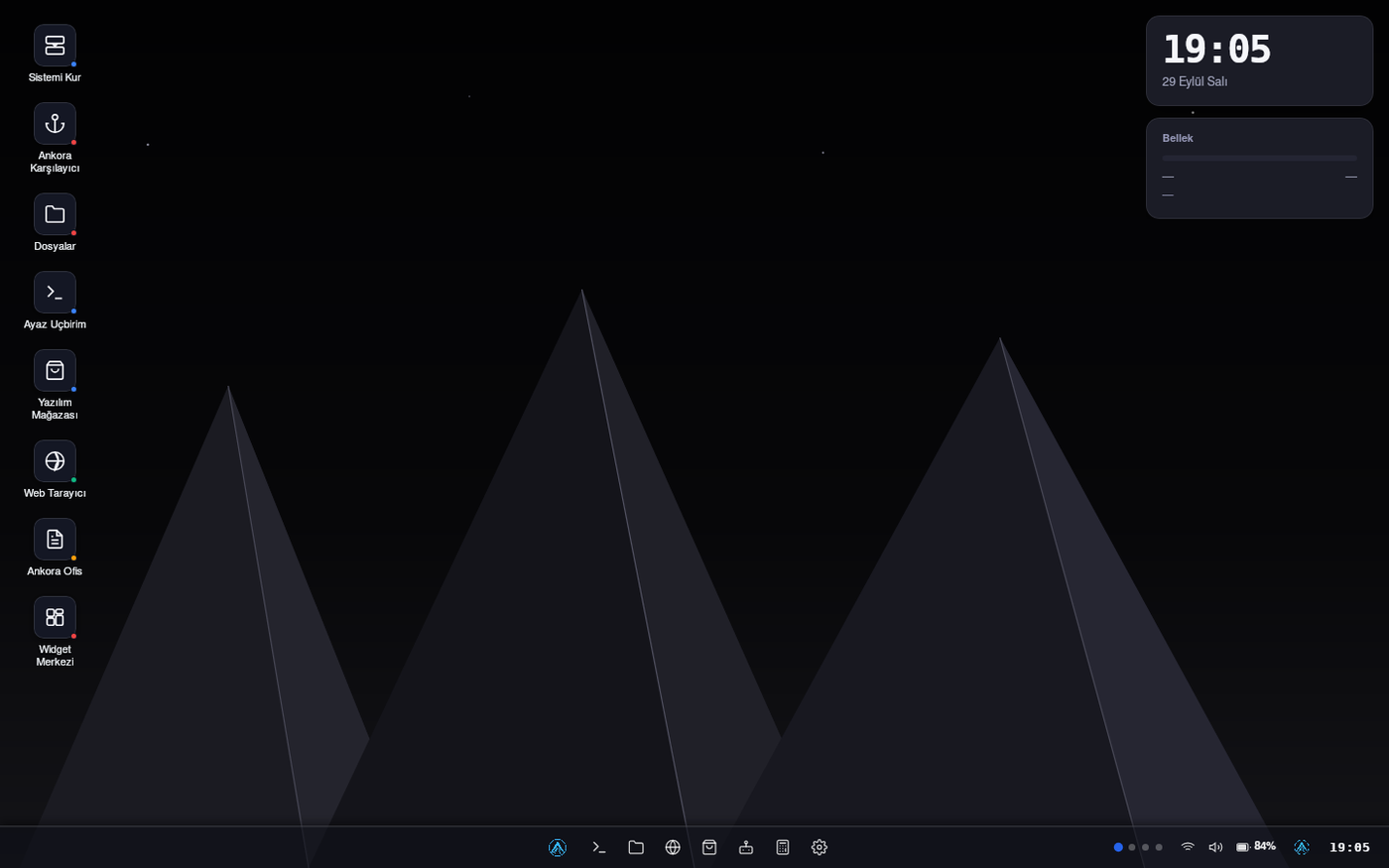
Three simple reasons
Light
It uses about 750 MB of memory when idle. There is a comparison table on the home page.
Turkish
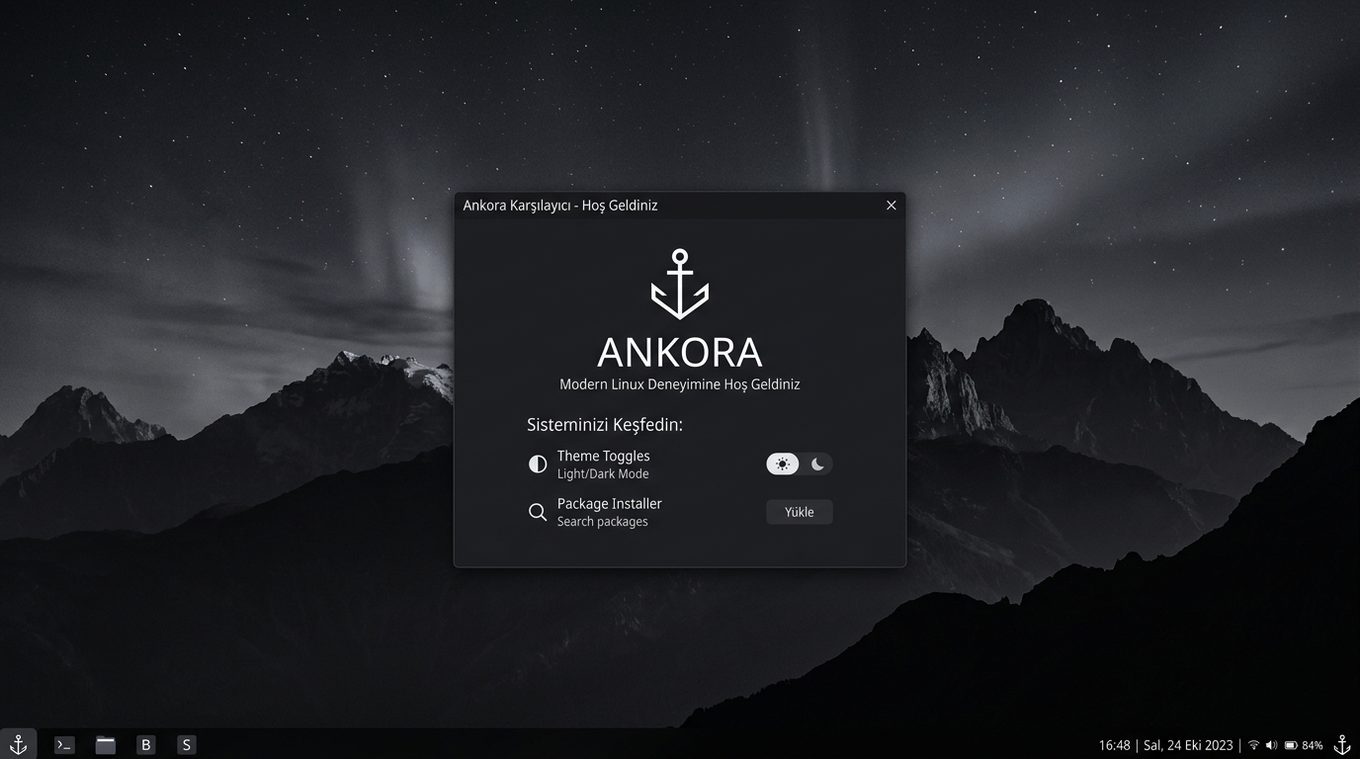
From the installer to the desktop, everything is in Turkish. You will not have to look up English terms.
Easy to install
Write it to a USB stick and boot. The wizard guides you step by step, and no terminal is needed.
Ready to use from the start
You do not have to install separate programs. The tools for everyday tasks are already there.
- Web browser
- File manager
- Document and photo viewer
- Notepad and calculator
- App store
- One-button updater
Let's compare with popular distributions
Idle desktop memory usage. The Ankora figure was measured on the installed system with free -m; the other figures come from the sources listed on the page.
| Distribution | Idle memory |
|---|---|
| Ankora Linux 3.0 | ~750 MB |
| Ubuntu 24.04 (GNOME) | 830 MB |
| Linux Mint 22.1 (Cinnamon) | 888 MB |
| Xubuntu 24.04 (Xfce) | 668 MB |
| Lubuntu 24.04 (LXQt) | 464 MB |
| Debian 12 (GNOME) | over 1 GB |
Ankora: output of free -m on the installed system after signing in to the desktop (October 2026). Others: measurements published by Android Authority in October 2024; for Mint, an independent review (888 MB). Hardware, versions and methods differ; these are approximate figures.
Ready in three steps
Download
Get the ISO file. A verification file sits next to it.
Write it to a USB stick
Write the ISO to an empty USB stick with a free tool.
Boot and install
Start the computer from the USB stick. The wizard explains the rest.
Common questions
What is Ankora Linux?
It is a simple Turkish operating system for everyday users. It is built on Devuan and comes with its own desktop environment, Ayaz DE.
Does it run on an old computer?
Yes. It uses about 750 MB of memory when idle. It runs comfortably on a laptop with 2 GB of memory; very old machines with 1 GB are not recommended.
Does it cost anything?
No, it is completely free. The source code is open.
How do I install it?
Write the ISO to a USB stick and boot the computer from it. The installer guides you step by step.